Read-only until you say go.
Plan can't edit files or run commands without asking. Switch to Build when you're happy with the plan.
c0d3r works on your real files, with a real shell and a real language server. Plan first, build second, and run Claude Code, Codex or a local model in the same session.
The GiiS Bridge runs Claude Code and Codex through their official CLIs and never stores or copies their credentials. Type /claude or /codex to hand them the terminal, then come straight back.
Powerful enough to change a codebase. Careful enough that you'll let it.
Plan can't edit files or run commands without asking. Switch to Build when you're happy with the plan.
Use your existing subscriptions inside c0d3r. Your logins stay with them.
LM Studio and Ollama are found automatically. Your code never leaves the machine.
Config-only hooks run before and after every tool call, and can allow, block or rewrite it. No plugin code needed.
Try another approach without losing the first. Git-backed snapshots let you roll a session back, file changes included.
Run it in your terminal, or use the desktop app with session history and the diff viewer.
Start in the read-only Plan agent. It maps the code and proposes changes without touching a file.
Press Tab. The Build agent edits with exact-match tools and runs your tests.
Open the diff viewer and check every change by file, split or unified.
Not right? Roll the session back to any message and the file changes go with it. Undo the rollback if you change your mind.
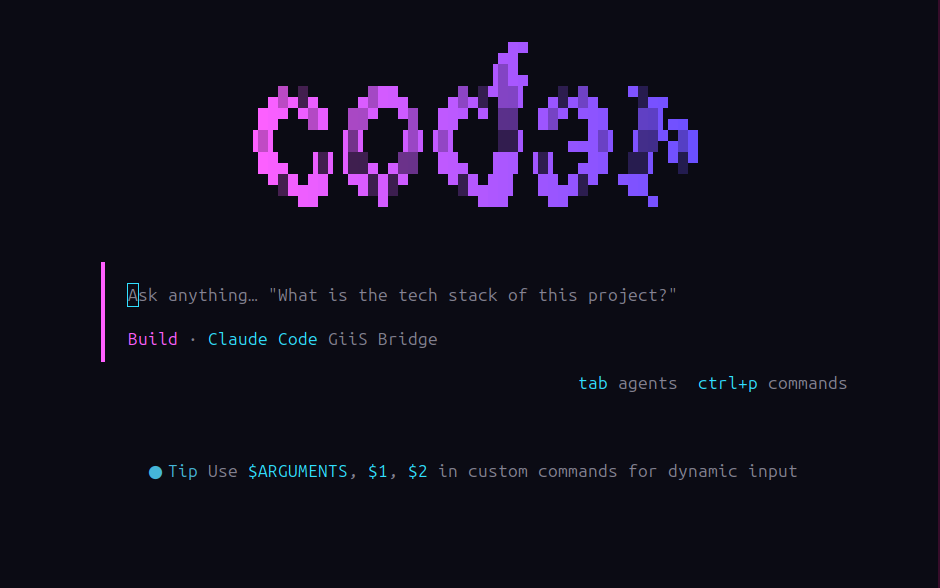
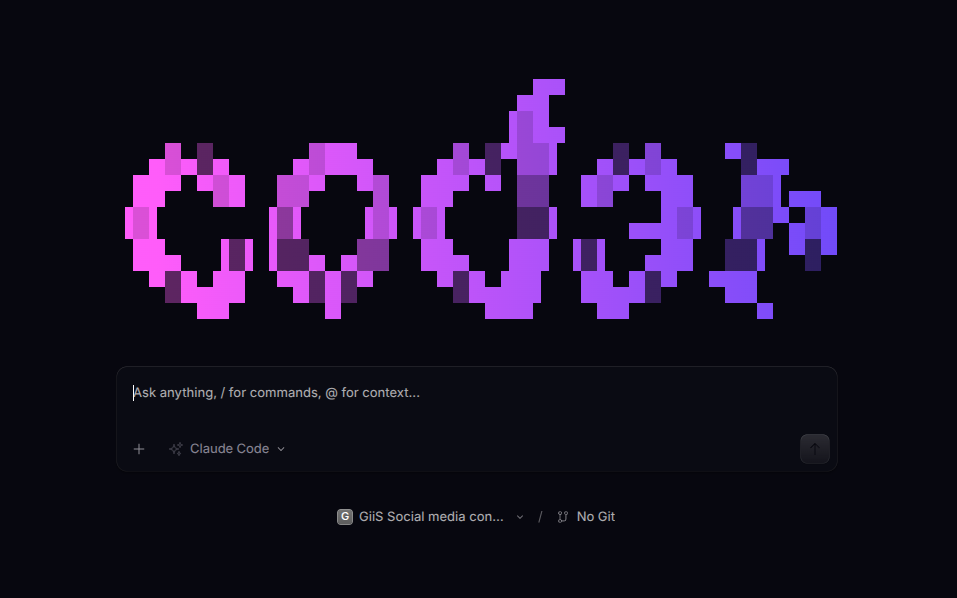
Create a free GiiS account and we'll email you the moment it's ready to download. It will run on your own API key or a free local LLM in LM Studio or Ollama.
c0d3r is an AI coding agent for your terminal, with a desktop app that adds session history and a diff viewer. The new c0d3r is launching soon and will be included in every GiiS plan, even the free one.
c0d3r is the agent; you choose the model. It can use Claude Code and Codex through your existing subscriptions, your own API key, or a free local model in LM Studio or Ollama.
With a local model in LM Studio or Ollama, your code never leaves your machine. With a cloud model, it goes only to the provider you choose.
c0d3r will be included in every GiiS plan, including the free Start Up plan. You pay only your own model provider, or nothing with a free local model.